
Rava Womb Birth Prep Course
To enter the 80% off Promo Code for the Sale, some find it hard to see where to enter it. Here's how to find it:
Just below the Billing address section look for: "Your price", then look to the right of that, and enter 30YEARS
You will receive access to the course you have purchased immediately. Check your inbox.
If you have any questions click to contact us: support
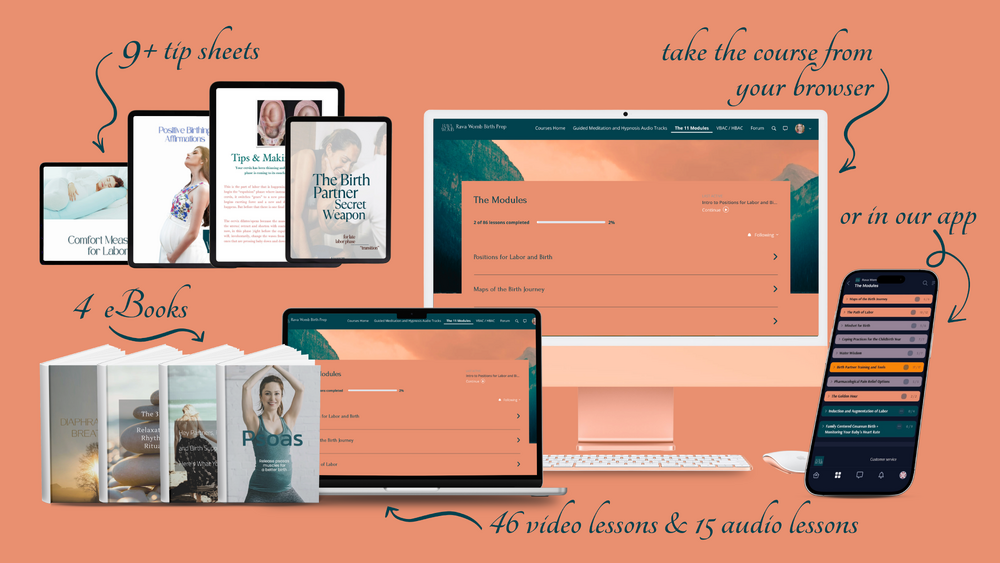
Once in the portal you'll see that you have access to all of the modules. However, it is strongly recommended that you follow the order suggested (watch the 9 minute intro video on the home page of the portal). And ensure one module is completed before moving on to the next.
Once you are nearing completion of the course, remember to book your 1:1 Zoom call with Rava
___MESSAGE___
___MESSAGE___